Microsoft Authenticator now has “App Lock” enabled by default. This option means that you’ll be asked to put in your iPhone passcode or Face ID/Touch ID every time you open the app.
App Lock helps to make your Microsoft account more secure. If you find this passcode or Face ID/Touch ID request annoying you can turn it off by following the below instructions.
- Open the Authenticator app (It's in first folder in the top left labeled Microsoft Apps).

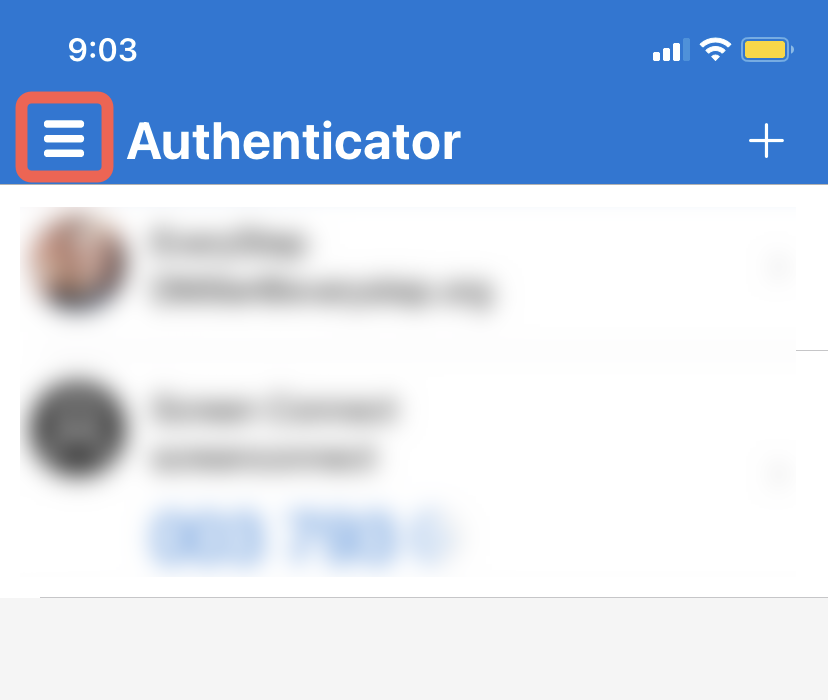
- Tap the menu in the top left.
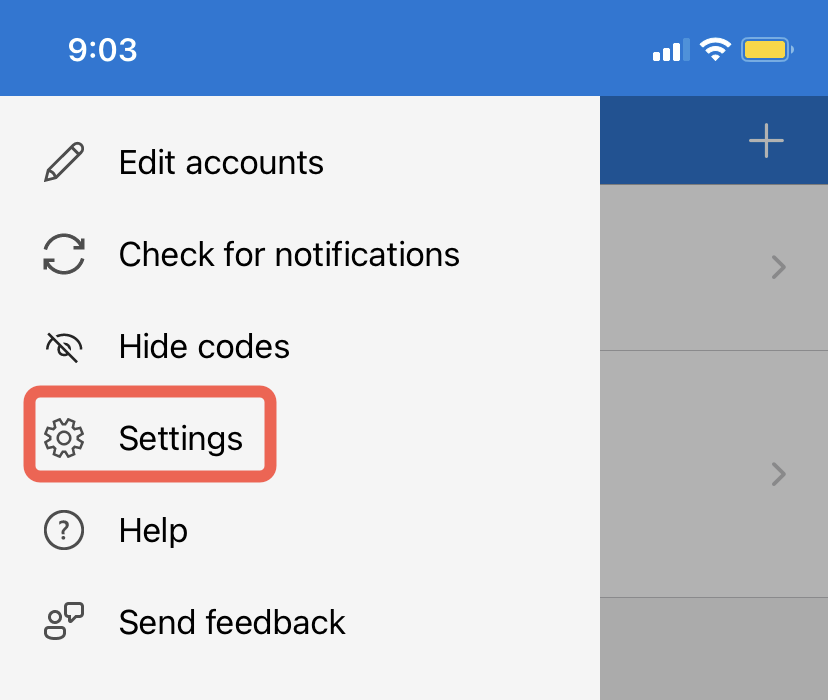
- Select Settings
- Turn off App Lock under the Security settings.
