- On your EveryStep laptop visit https://junipercm.net/
- Sign in with your EveryStep email address and juniper password
- If you see a QR Code move on to Step 3
- If you do not see a QR Code or need a password reset email: juniper@everystep.org
- Launch the Authenticator App
 (It's in first folder in the top left labeled Microsoft Apps)
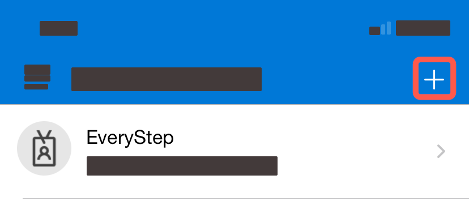
 - Tap the + icon in the top right corner
- Tap “Other (Google, Facebook, etc.)”
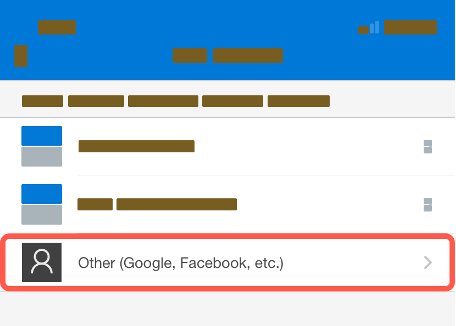
- Scan the QR code
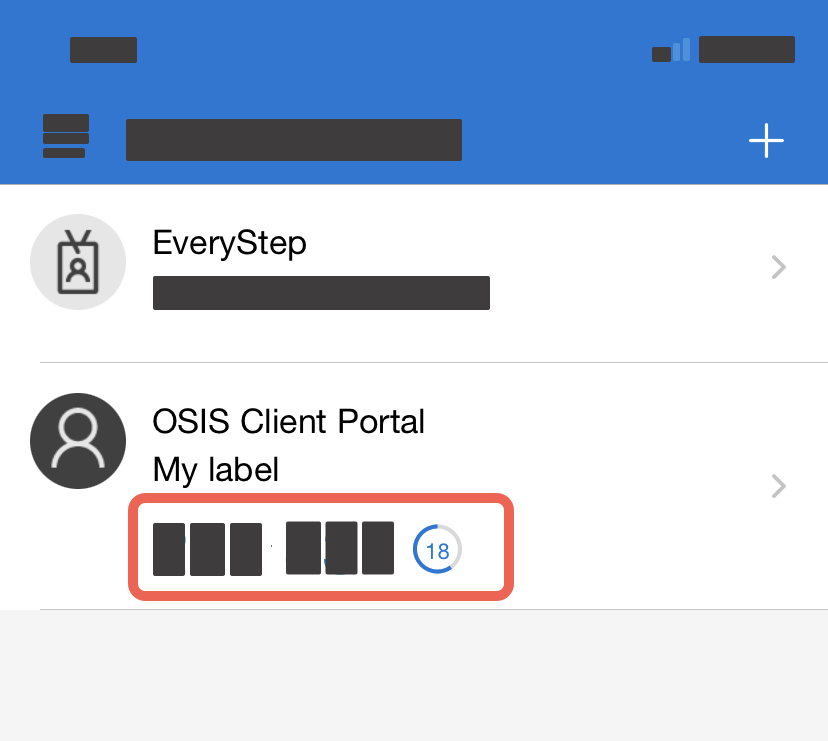
- Use the 6-digit code labeled “OSIS Client Portal”