The first time you tap Voicemail, you’re asked to create a voicemail password and record your voicemail greeting.
- Go to the Phone app
 on your iPhone.
 -
Do one of the following, depending on which Phone app layout you’re using:
- Unified layout: Tap
 , tap Voicemails, tap Edit, then tap Edit Voicemail Greeting.
 - Classic layout: Tap Voicemail at the bottom of your screen, then tap Greeting.
- Unified layout: Tap
-
Choose a greeting—Default or Custom; if you choose Custom, you can record a new greeting.
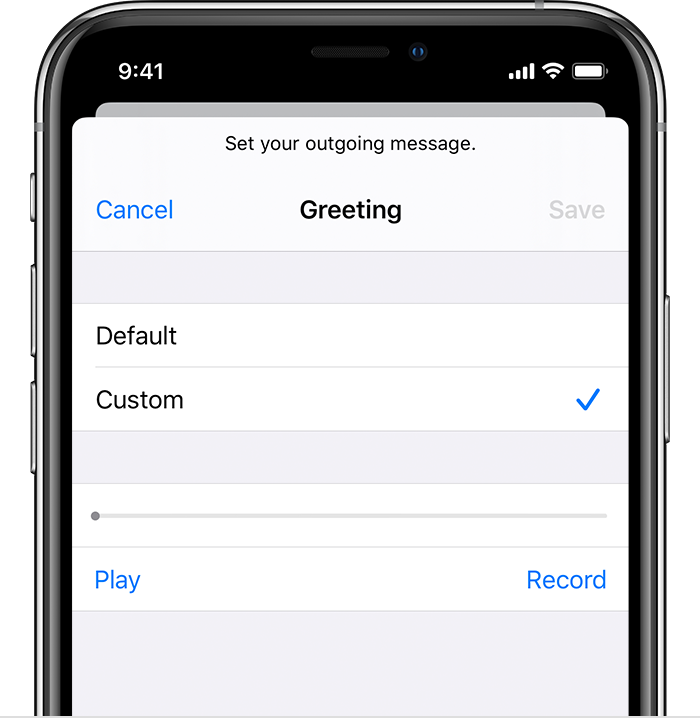
- Tap Save.