Select Files  on the left side of Teams for quick access to all your files, arranged in the following views:
-
Recent lists every file you’ve recently viewed or edited.
Tip: Another way to view your recent files is to enter /files in the command bar at the top of Teams.
-
Microsoft Teams contains all the documents that were recently created or edited in the channels that appear in your teams list.
-
Downloads shows all the files you've downloaded from Teams. This list is cleared each time you sign out of Teams.
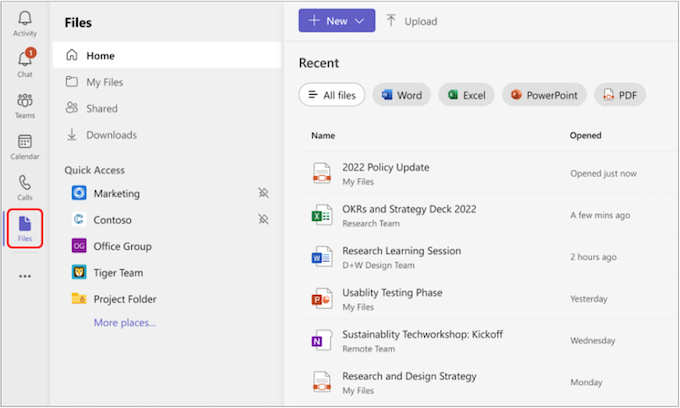
From here, you can delete any personal file you've added to Teams, upload files, and create new files. Files added to cloud storage are private until you share them.
Still need help with Teams? Click here to search for guides and answers to your questions.