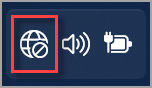
- On your laptop Select the Network, Sound, or Battery icons
on the taskbar to open quick settings or the Disconnected icon appears when you’re not connected.
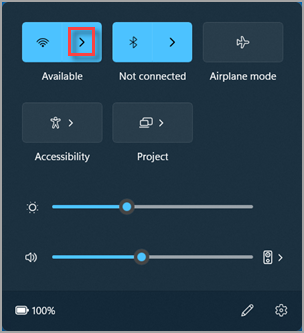
- On the Wi-Fi quick setting, select Manage Wi-Fi connections .
- Choose the Wi-Fi network you want, then select Connect. (2.4 GHz is preferred over 5 GHz network.)
- Type the network password, and then select Next.