- Visit https://citrix.hci-vns.org/ using Edge
 or Chrome
 .
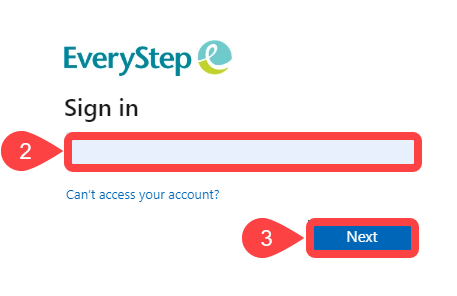
. - Login with your EveryStep email address.
- Click Next.
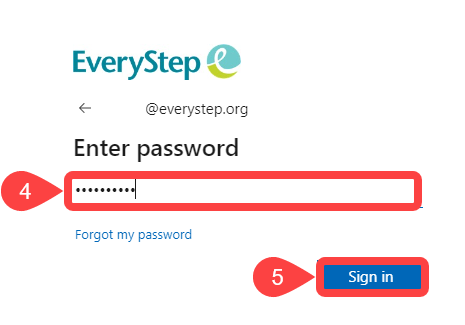
- Type in your Citrix password.
- Click Sign in.
**If you have not set up MFA (Multi-factor authentication) you will be prompted to do so** - The first time you login you will be prompted to download and install “Citrix Receiver" or "Citrix Workspace”. Follow the onscreen install prompts. Once installed you can proceed to step 7.
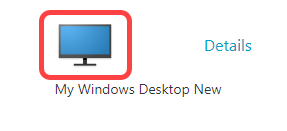
- Click on “My Windows Desktop New” to launch the desktop connection.
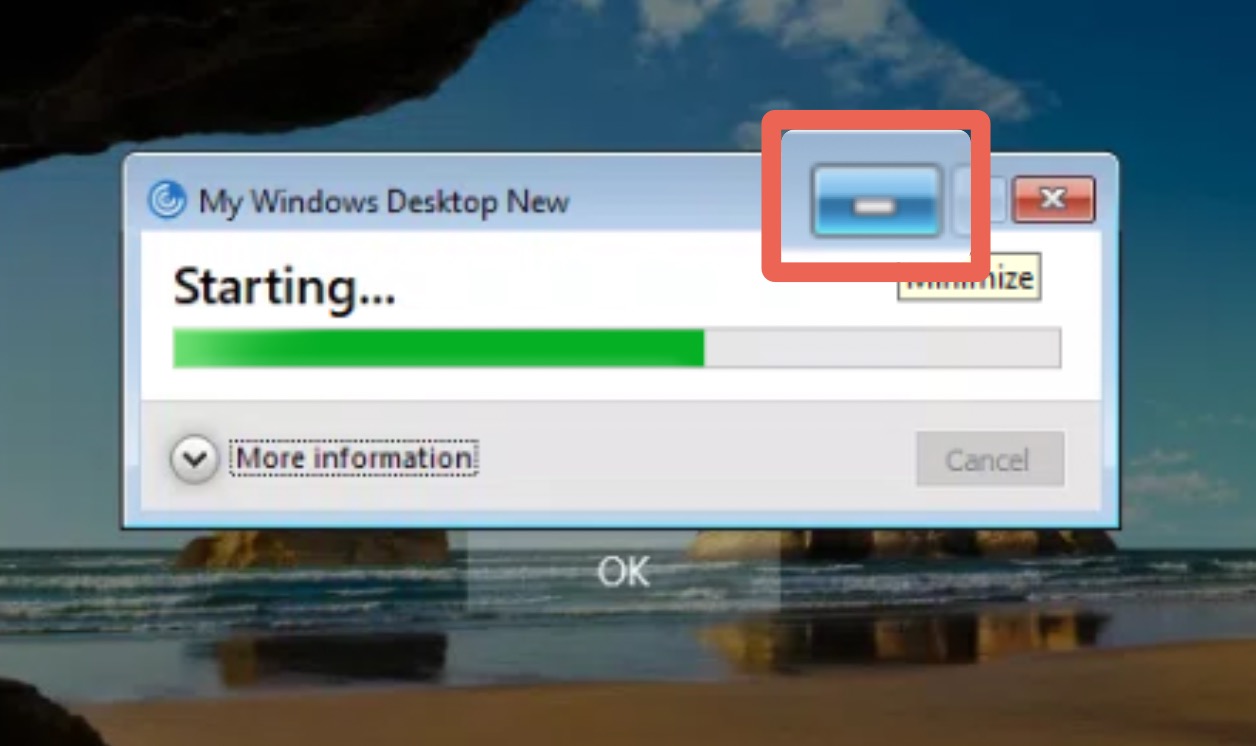
- If the "Starting..." screen gets stuck, minimize the window.
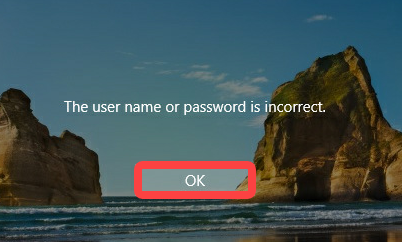
- Click OK on "The user name or password is incorrect".
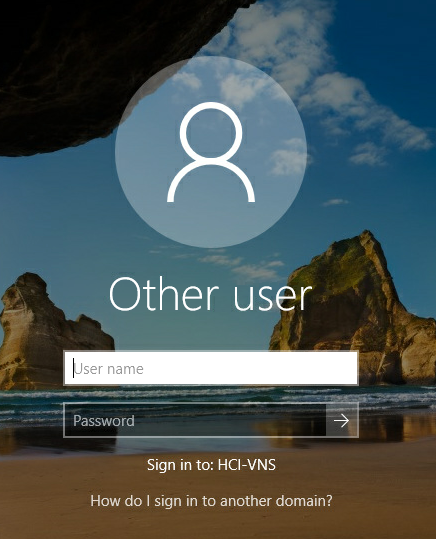
- In the bottom left corner click Other user.
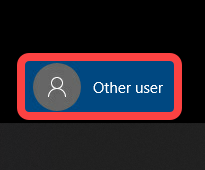
- Sign in with your Citrix User name and Password.