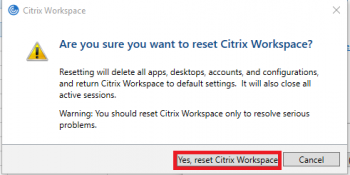
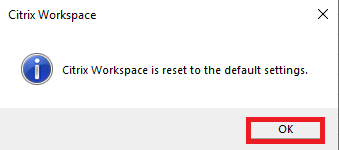
Reset Citrix August 01, 2024 19:47 Updated Click on the System Tray up arrow ^ Right click on the Citrix icon Select Advanced Preferences Click on Reset Citrix Workspace and respond Yes when prompted to confirm your choice Click "Yes, Reset Citrix Workspace" Click "OK" Restart laptop Related articles Restart laptop