It's important to perform updates regularly. When installing updates make sure you are connected to a reliable high speed internet connection - do not run updates when connected to Hotspot. Depending on your internet speed, number of updates, and size of the updates this process can take 10-30 minutes. It may require you to restart one or more times, the restarts may take longer than normal - please plan accordingly.
To check for Windows updates:
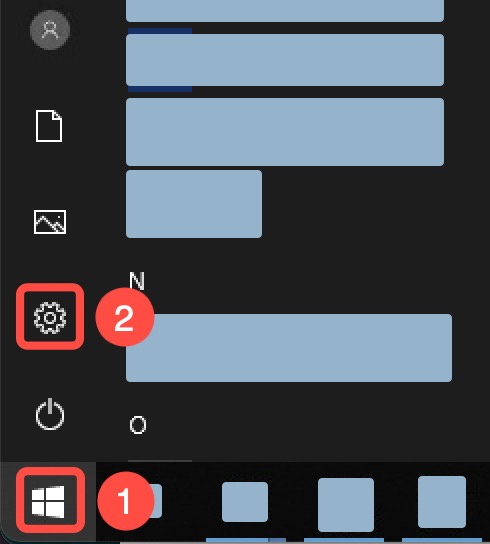
- Click the Start button.
- Click Settings.
- Click Update & Security.
- Click Windows Update.
- Click Check for updates.
- Restart if prompted.
If you use a Lenovo laptop you will also want to check for updates with the System Update.
- Click the Start button.
- Type System Update.
- Click on System Update to launch.
- Follow prompts to select and install updates.
