-
Click Start
 .
. -
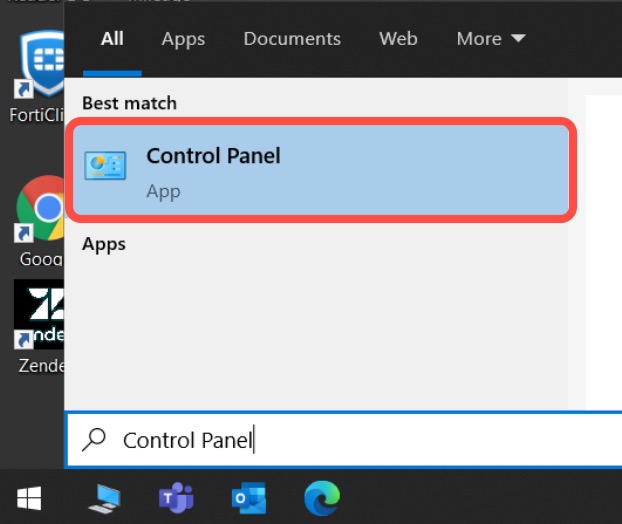
Type "Control Panel" and open it.
-
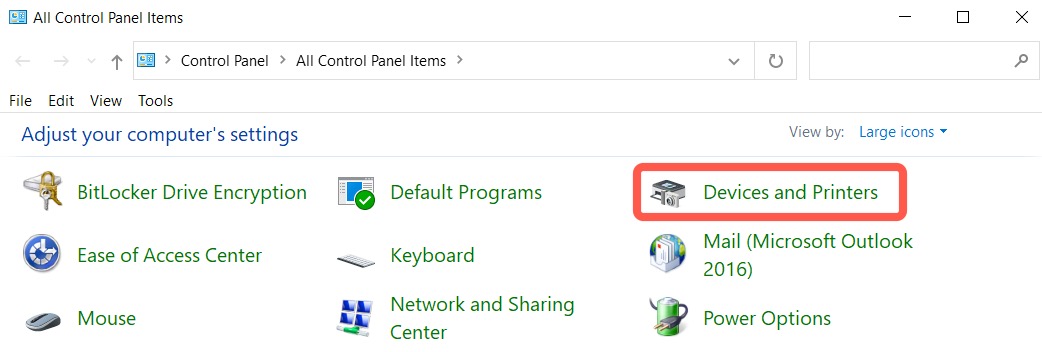
Click on the Devices and Printers.
- Right click on the printer you want to remove and select Remove Device.
- Add a printer
Click Start .
Type "Control Panel" and open it.
Click on the Devices and Printers.